 Coming soon
A Chrome extension that captures the whole page and keeps the words. It scrolls a web page for you, joins it into one clean image, and reads the text on your own computer. Save a PNG, copy the transcript, or download a PDF you can search. Nothing is uploaded.
Free · no account · works in Chrome 116 and later
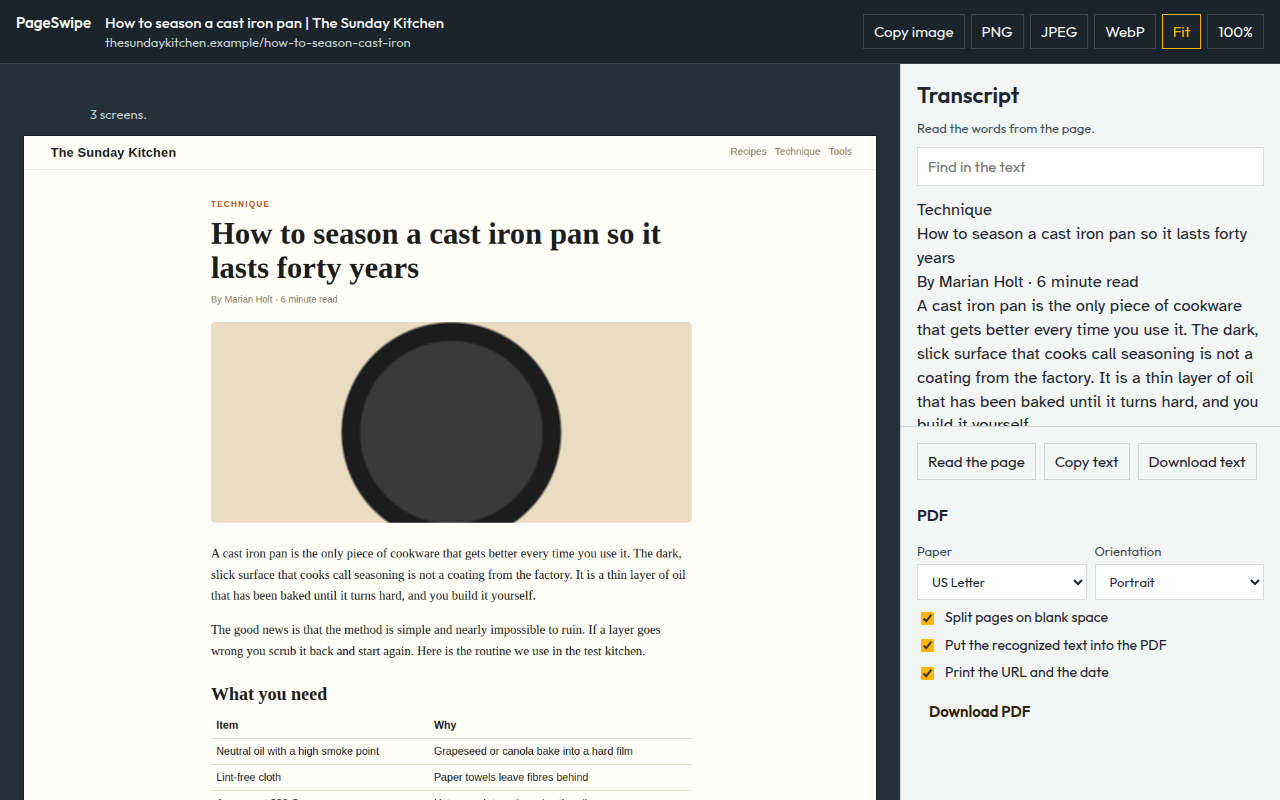
The stitched page on the left, its transcript and PDF options on the right.
One click scrolls from top to bottom and stitches the screens into a single image. Sticky headers are hidden after the first screen, and panels that scroll inside the page are opened up.
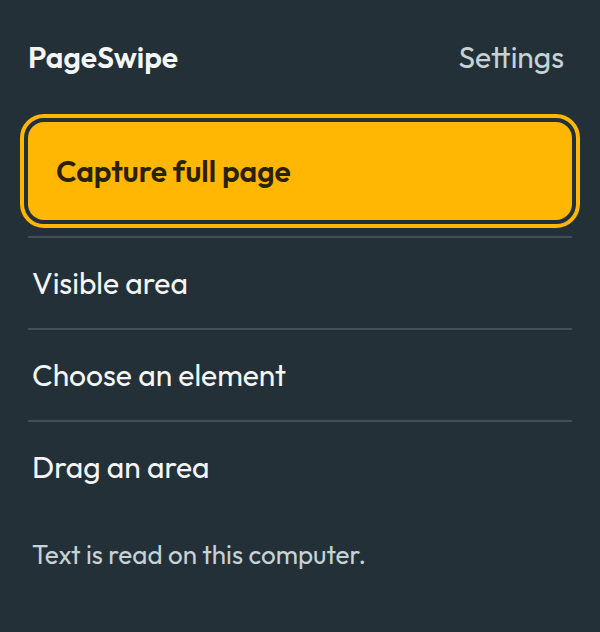
Capture the visible area, choose an element by pointing at it, or drag an area. A Stop button is there if you change your mind.
PageSwipe takes the words from the page when it can and runs text recognition for the rest, in English, inside your browser. Find a phrase, copy the text, or download it.
The recognized text sits behind the image, so search and copy work, and the page's links stay clickable. US Letter, Legal, Tabloid, A4, A3 or one long page.
Save as PNG, JPEG or WebP, or copy the image to the clipboard, sized to paste into Google Docs. Files go to a PageSwipe folder inside Downloads.
The toolbar button, the right-click menu, or the keyboard: Alt+Shift+Q for the full page and Alt+Shift+V for the visible area.
PageSwipe has no server. The text recognition engine and its language data ship inside the extension, so reading a page never needs the network.
No screenshots, text or addresses are sent to us or to anyone else.
There is no sign-in, no analytics and no advertising.
PageSwipe can see a page only after you start a capture on it.
Captures you have not saved are cleared from the extension after 12 hours, the next time Chrome starts.
Good to know: Chrome does not allow any extension to capture its own pages (such as settings and the Chrome Web Store), and a capture stops after 80 screens on pages that never end.
PageSwipe is on its way to the Chrome Web Store. It is free, and it needs no account.
